
Product comparison
RenameClick vs Sortio
Compare installation, folder organization, local AI, and pricing using each product’s published information. Check the limits that matter for your files.
- Official product sources
- Checked September 4, 2026
- No speed or accuracy ranking

This comparison covers documented features, not a benchmark. Unknown or inconsistent details are identified below.
Feature comparison
| Feature | RenameClick | Published product information — checked September 4, 2026 |
|---|---|---|
| Platforms | macOS and Windows; direct and Mac App Store builds have different purchase and provider options. RenameClick source | macOS, Windows, and Linux are listed. Official source |
| Local AI | Install RenameClick Local AI, or connect LM Studio or Ollama. RenameClick source | Ollama and LM Studio are listed alongside cloud and bring-your-own-key options. Official source |
| Folder choices | AI Categories, Metadata Folders, or up to 50 existing top-level folders with Match Folders. RenameClick source | Content-based routing and restricting destinations to a folder list or existing structure. Official source |
| Free allowance | Unlimited analysis; 100 successful renames or moves each month. External API fees are separate. RenameClick source | One-time AI trial; free rule-based sorting, up to 5 rules and 3 Spaces. Official source |
| Individual paid plan | Direct plan: $8/month or $36 lifetime, plus applicable tax. Apple pricing is separate. RenameClick source | Pro: $14.99/month or $99/year, with a monthly AI allowance; BYOK is not metered by Sortio. Official source |
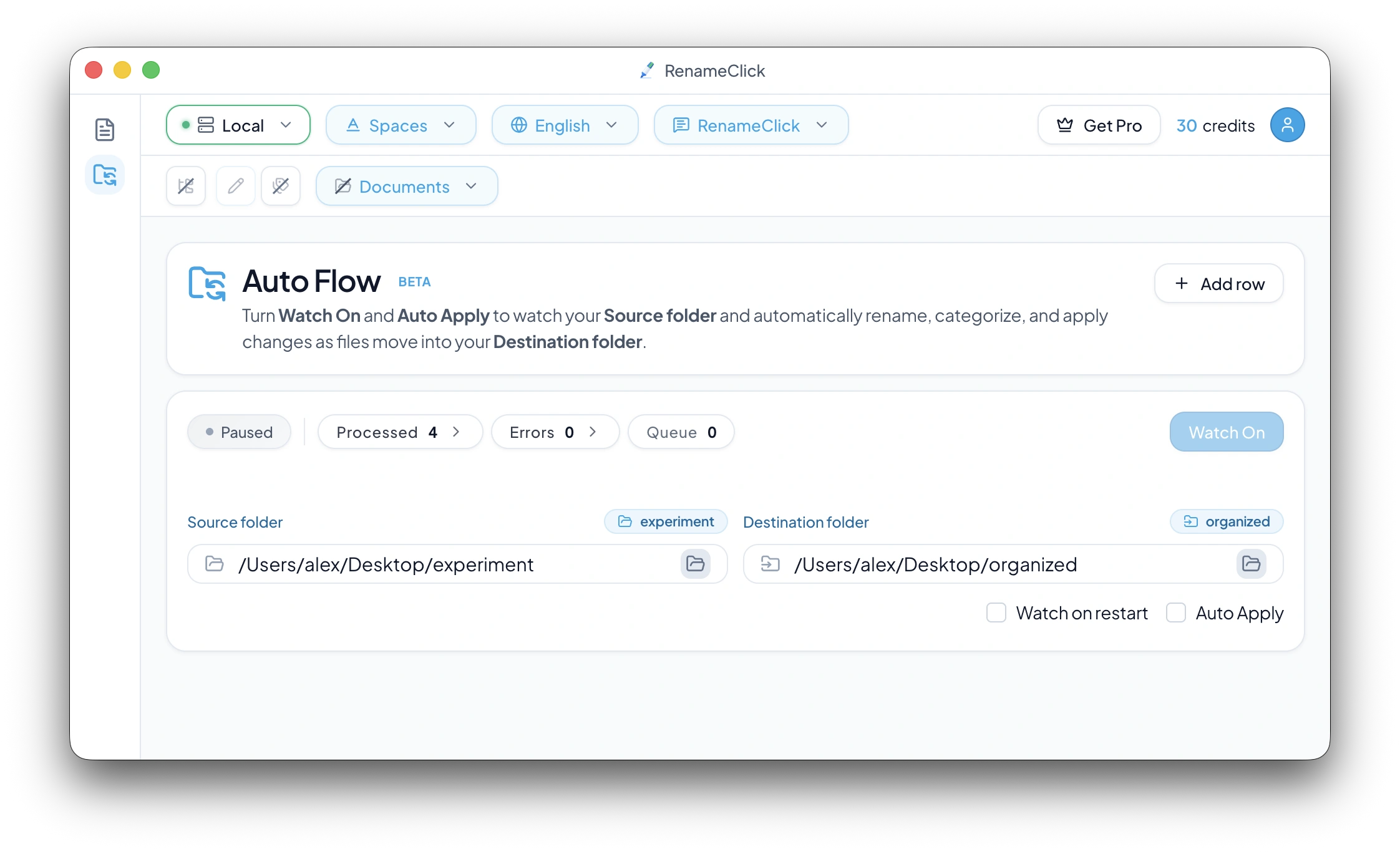
| Folder automation | Auto Flow Watch, optional Auto Apply, and connected rules while the app runs. RenameClick source | Watch folders and on-change automation are listed; Free availability is inconsistent between the pricing list and FAQ. Official source |
Official product sources checked . Features and prices can change; verify the linked sources before buying.
Choose by the task you need to complete
For RenameClick, start with a manual batch if you need to inspect filename suggestions, or Auto Flow for watched folders. AI Categories, Metadata Folders, and Match Folders provide different ways to choose destinations.
Compare a complete setup: supported files, model installation, where content is processed, apply limits, and the distribution channel. A local provider or your own API key changes the processing and cost conditions.
Check current terms before choosing
The table links to the official source for each feature. Sortio’s pricing list and FAQ disagree about Watch Folders availability on Free; confirm the current entitlement in the app before relying on it. An unconfirmed detail is not evidence that a feature is absent.