Instant Search: Index a Folder, Find Files, Rename Them
- Index a folder once and search it in a fraction of a second
- Every match comes with a proposed name; rename or move right from the results
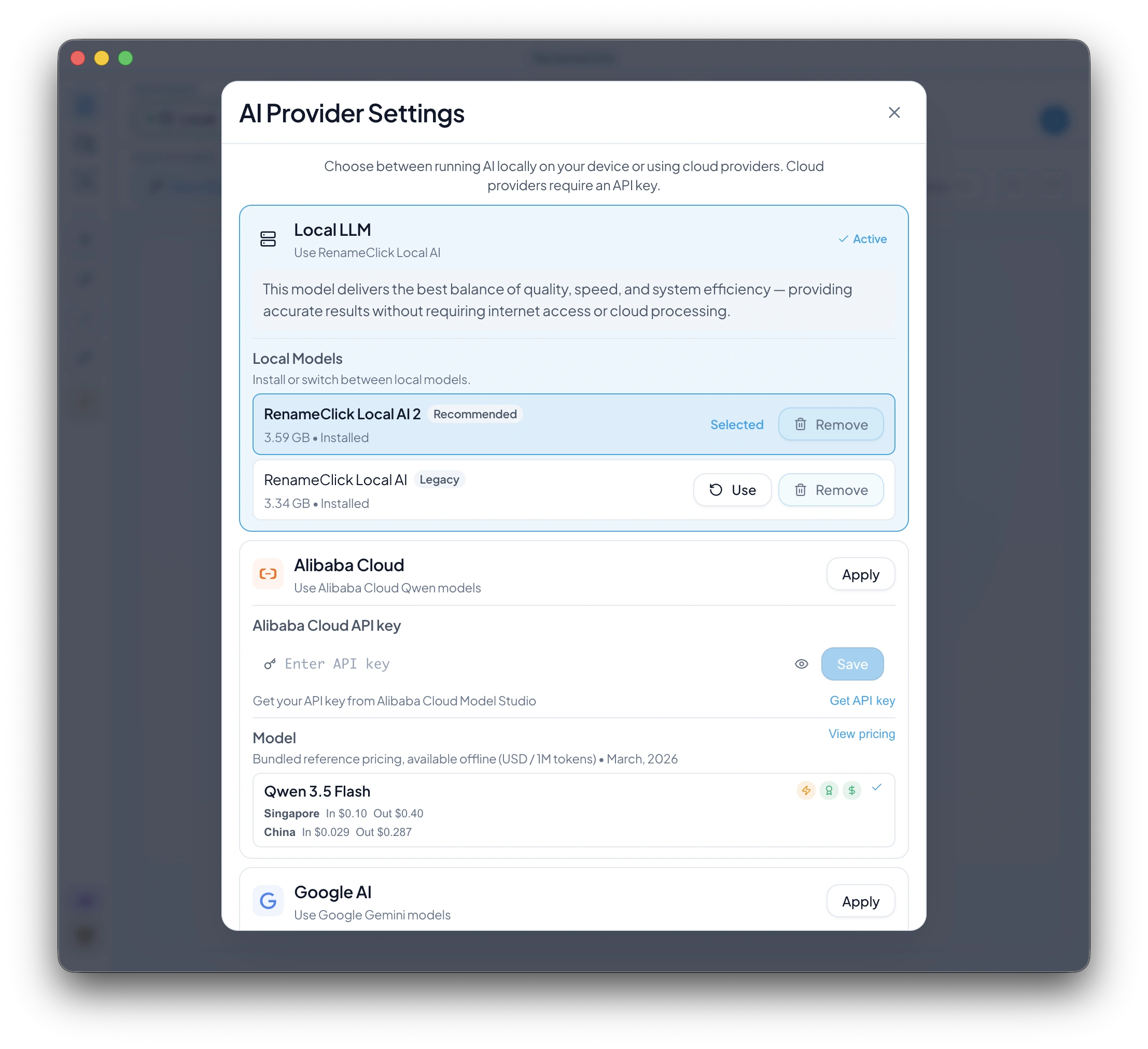
- A new on-device search model, installed from onboarding or the search screen
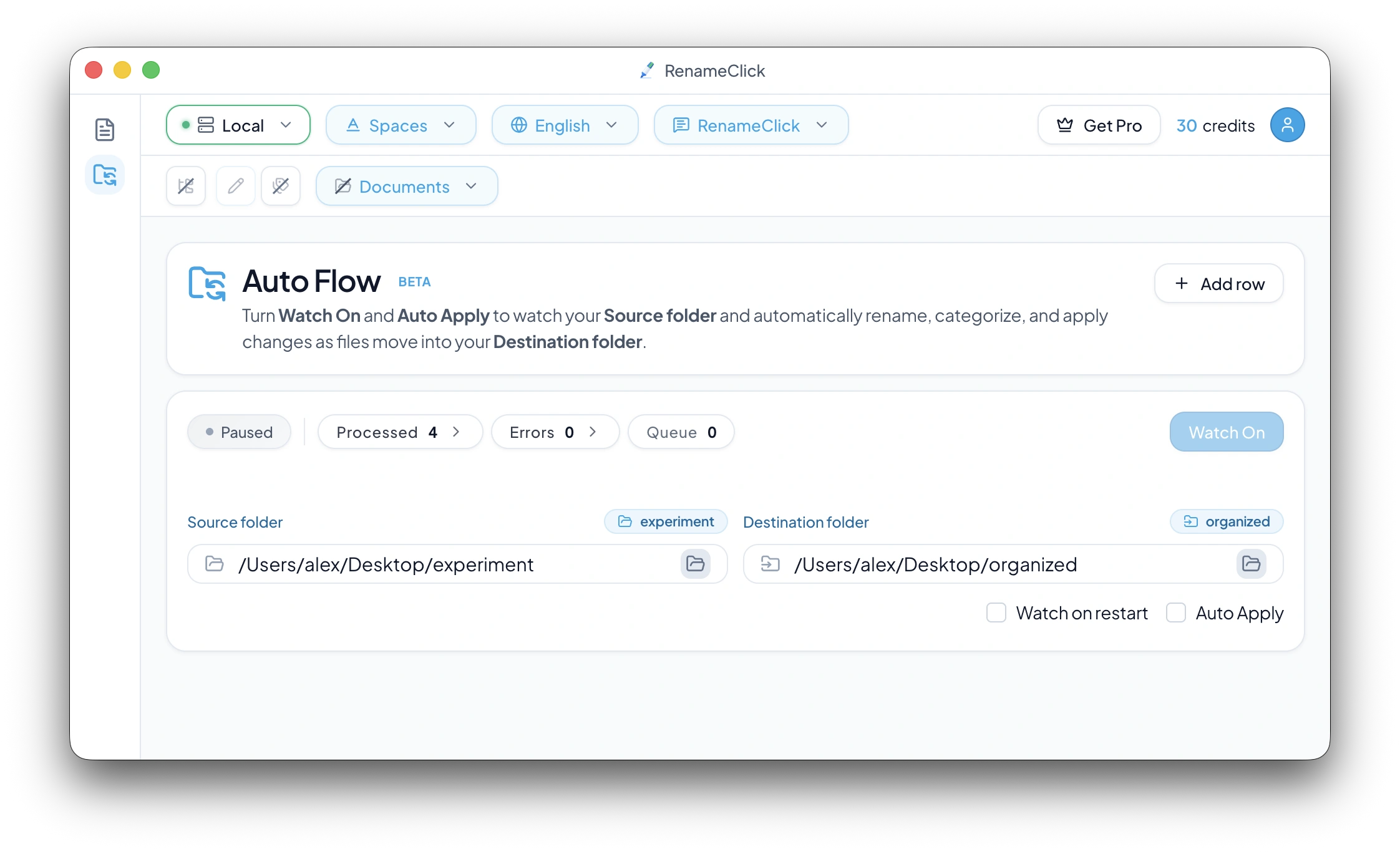
- Auto Flow can rename files in place: one folder as source and destination
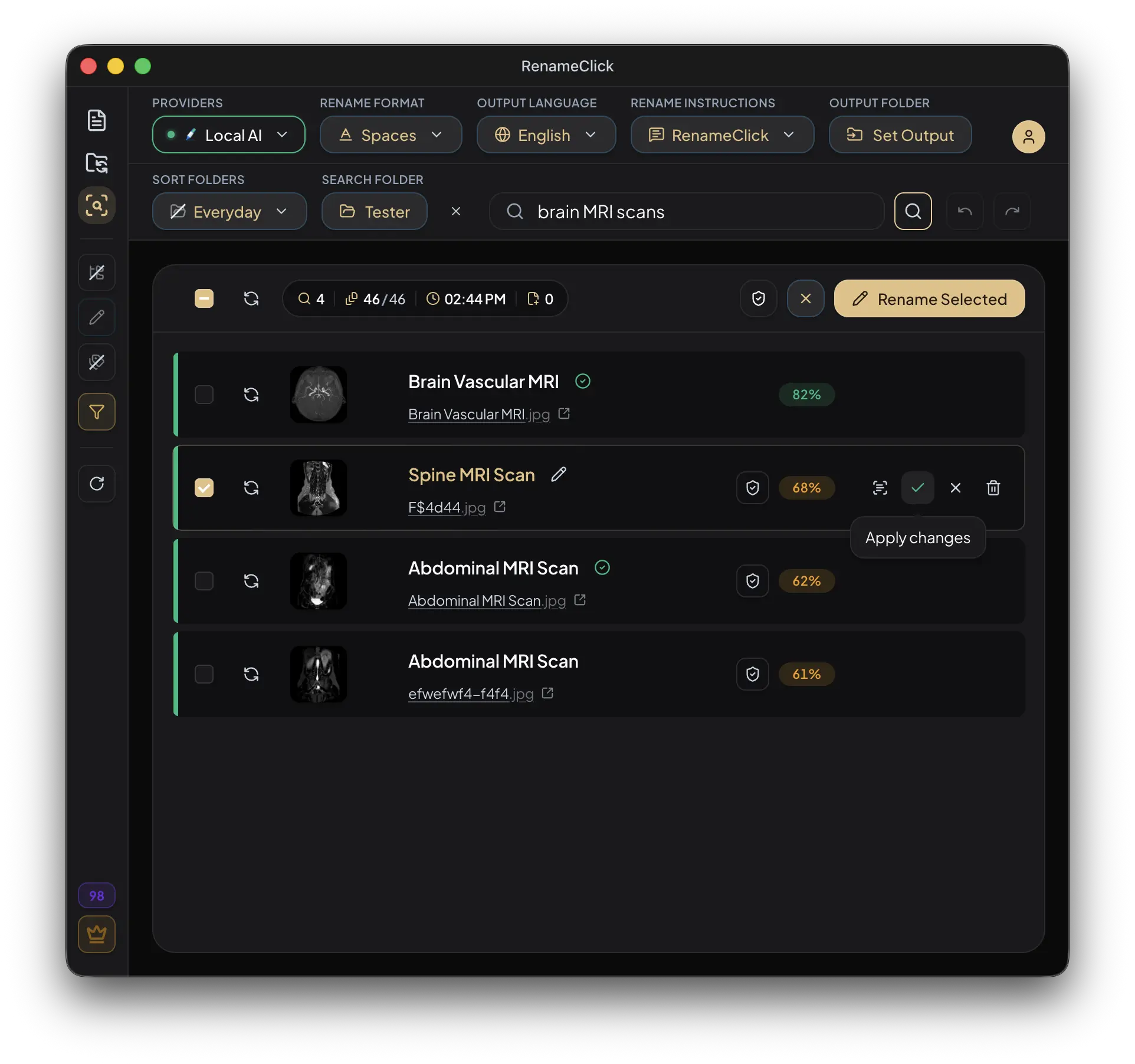
Index, Then Search
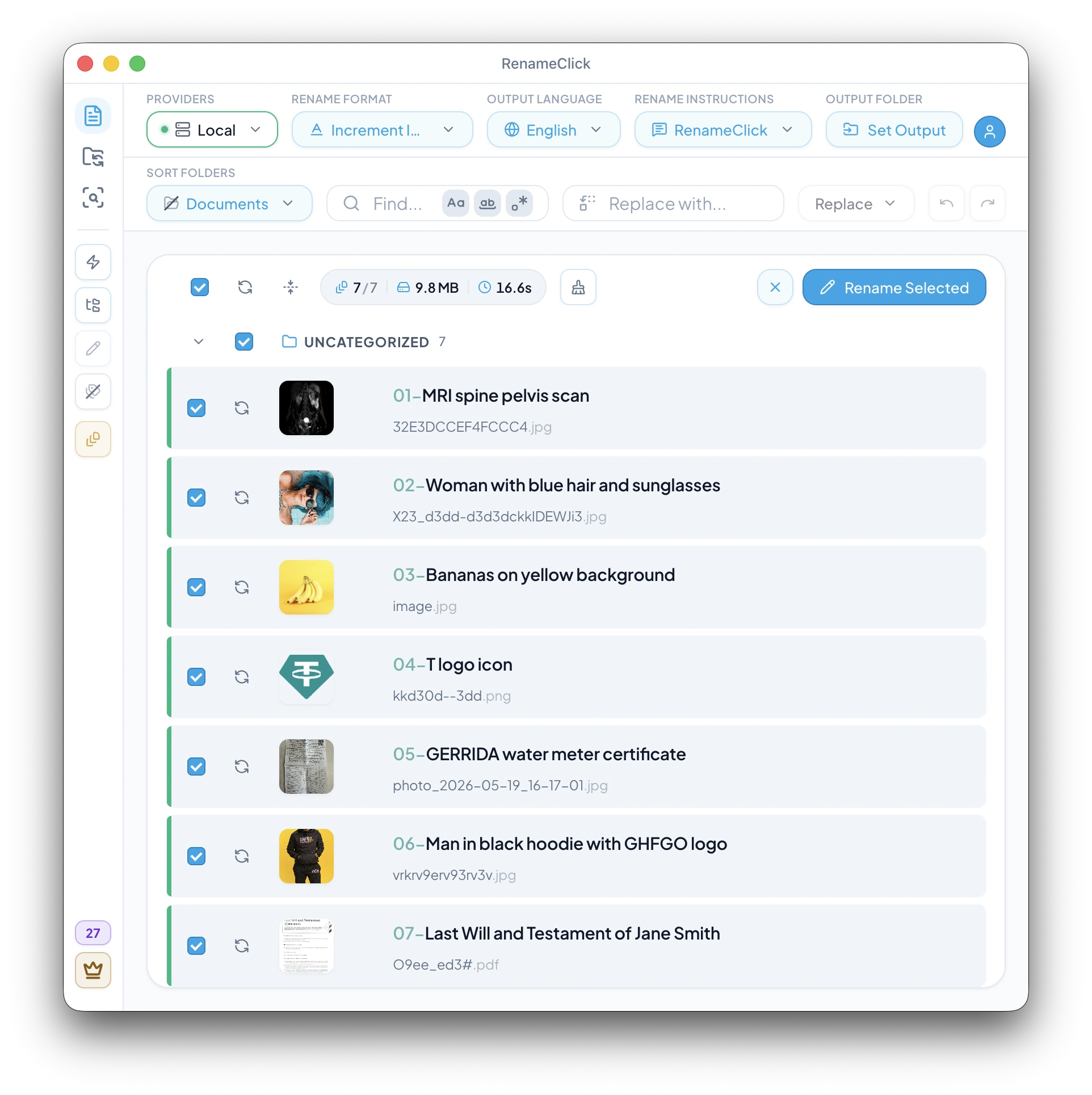
Choose a folder and click Index folder. Documents are read as text, scanned pages with on-device text recognition, and Local AI writes a one-sentence description of every image. Later runs read only new or changed files, and Update index shows how many are waiting.
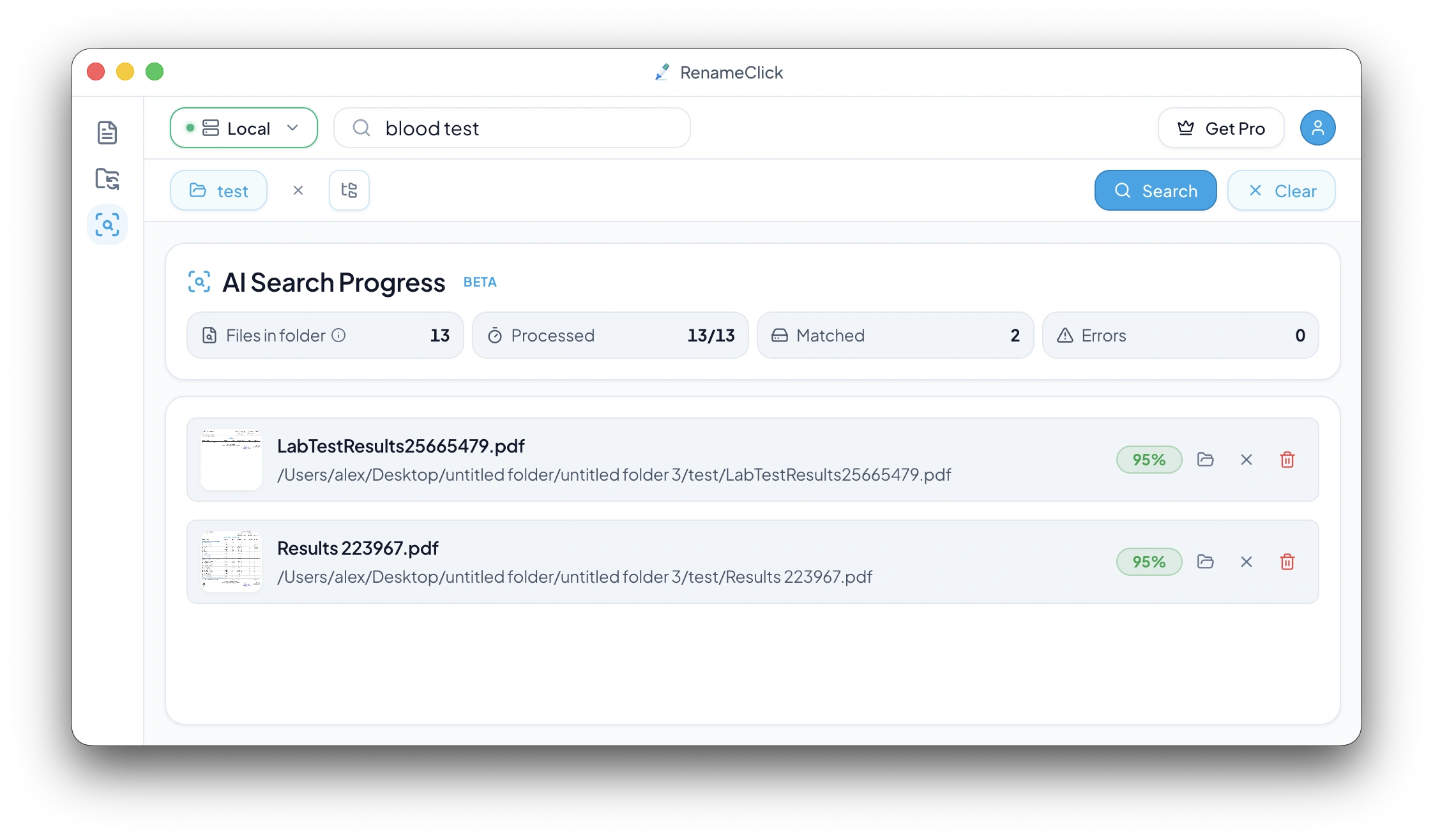
Searches answer from the index on your device in a fraction of a second. A green badge marks a confident match; a yellow one can be confirmed with Verify, which reads the file with the full Local AI model. Verify all checks every yellow match at once.
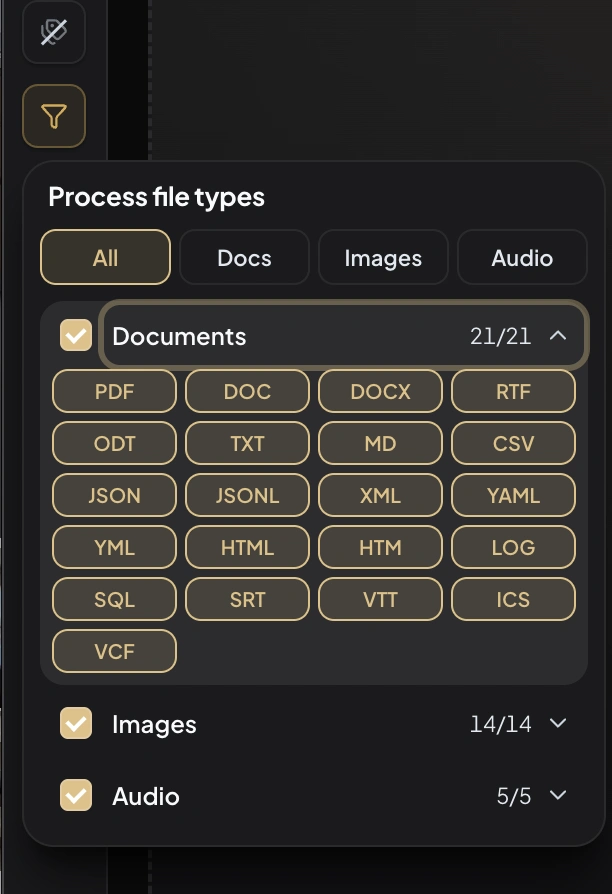
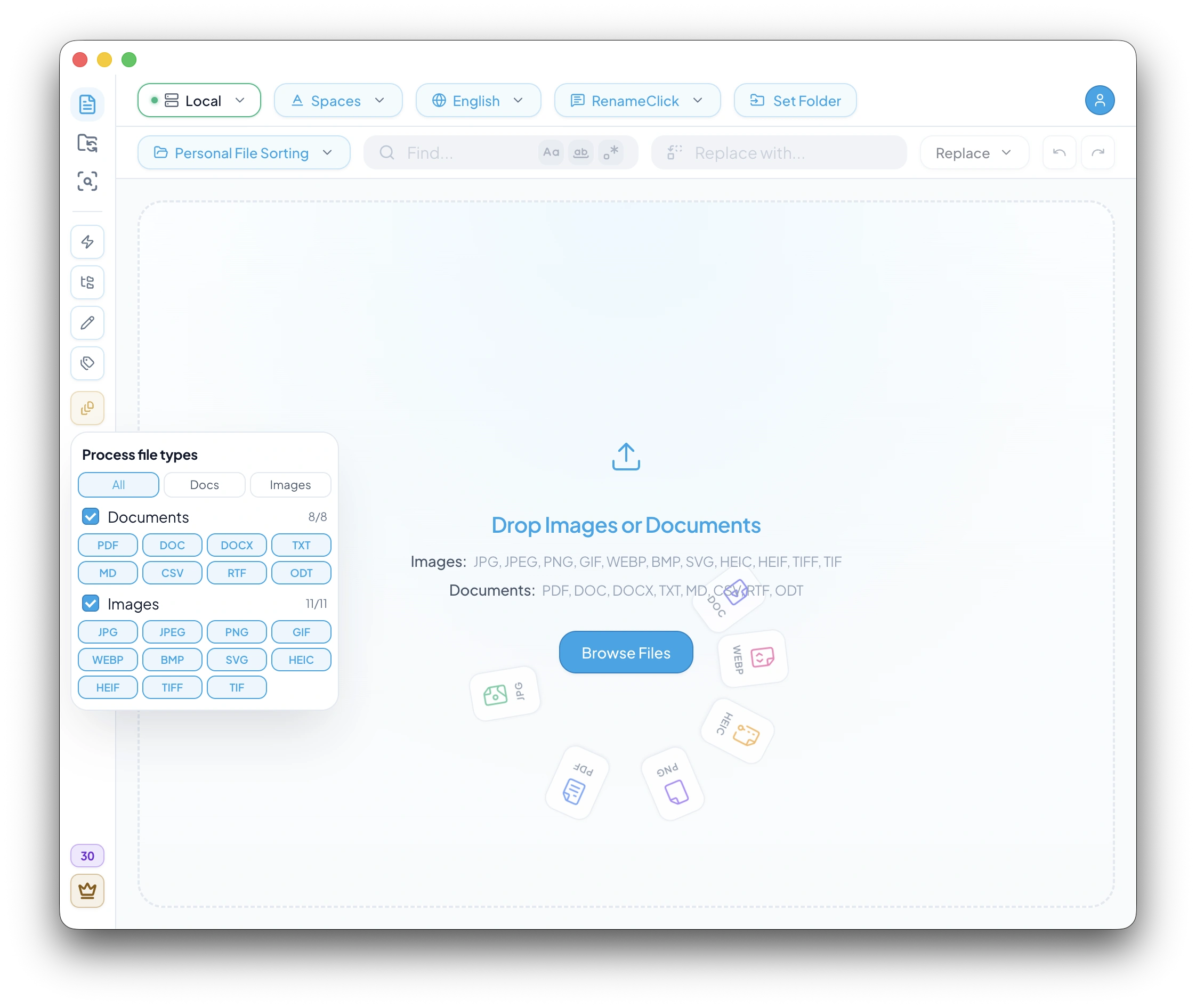
The file-type filter in the sidebar applies to indexing and search alike. Reindex in the sidebar rebuilds the folder index from scratch, for example after switching the Local AI model.
Rename and Move from the Results
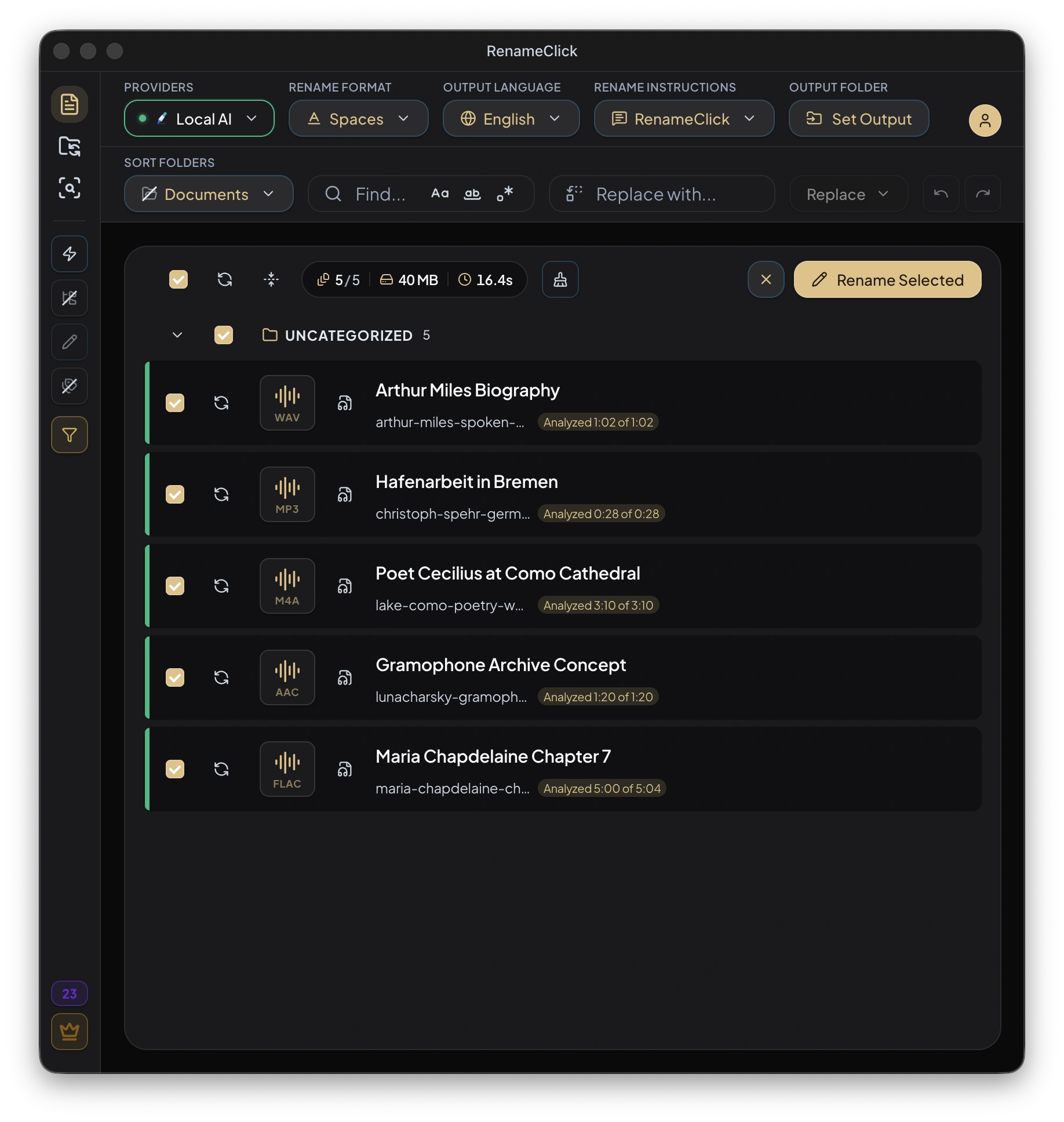
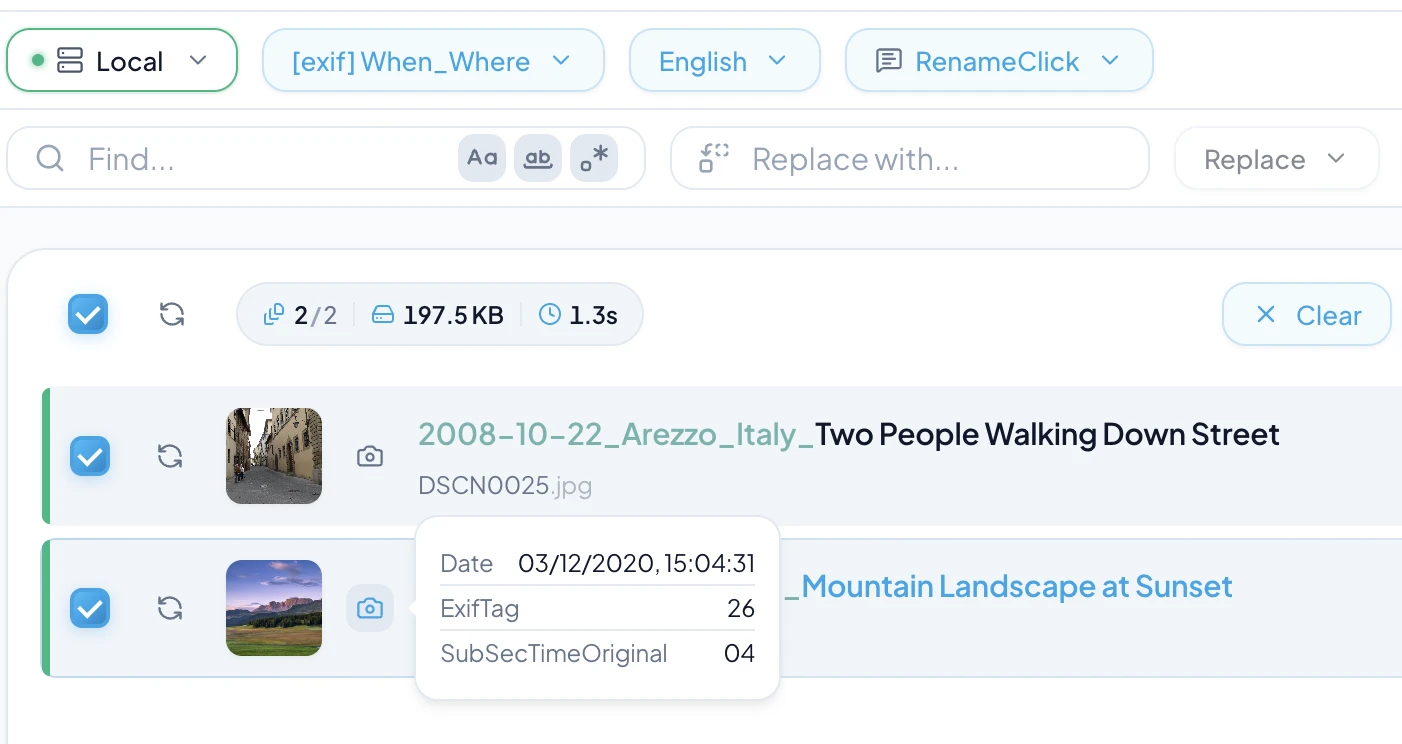
Result rows are the Rename rows: the proposed name on top, the current name below it with a link that opens the folder. Images are named while indexing; documents are named after a search, one file at a time.
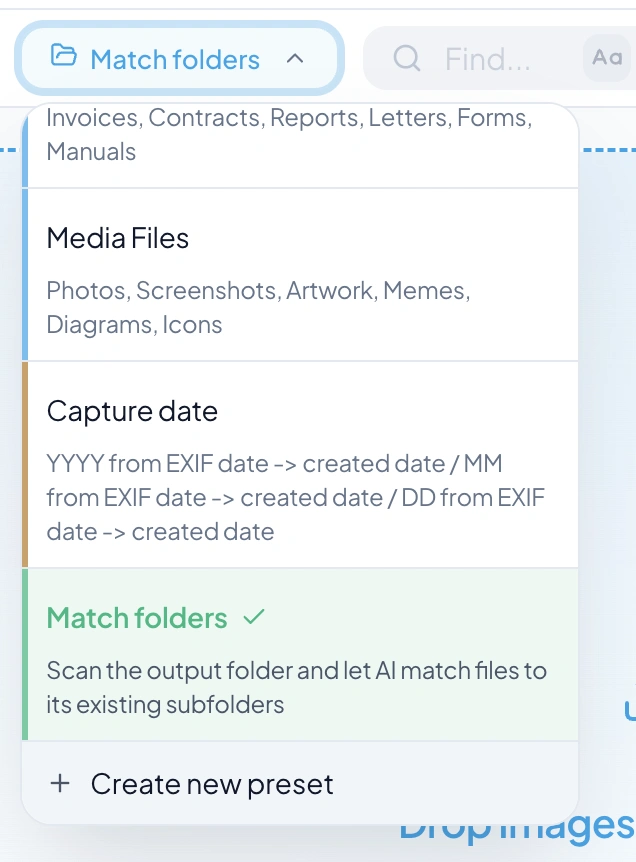
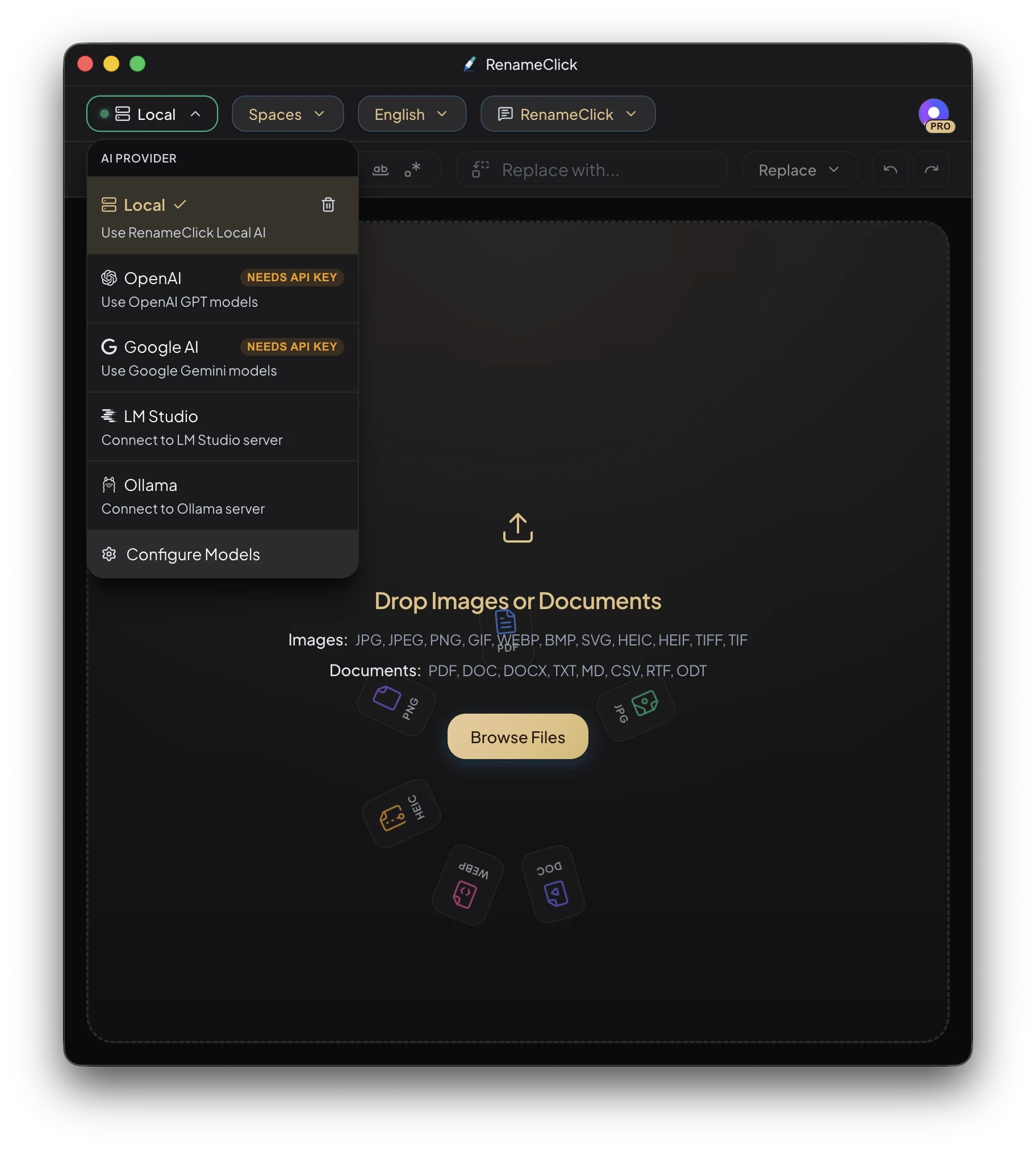
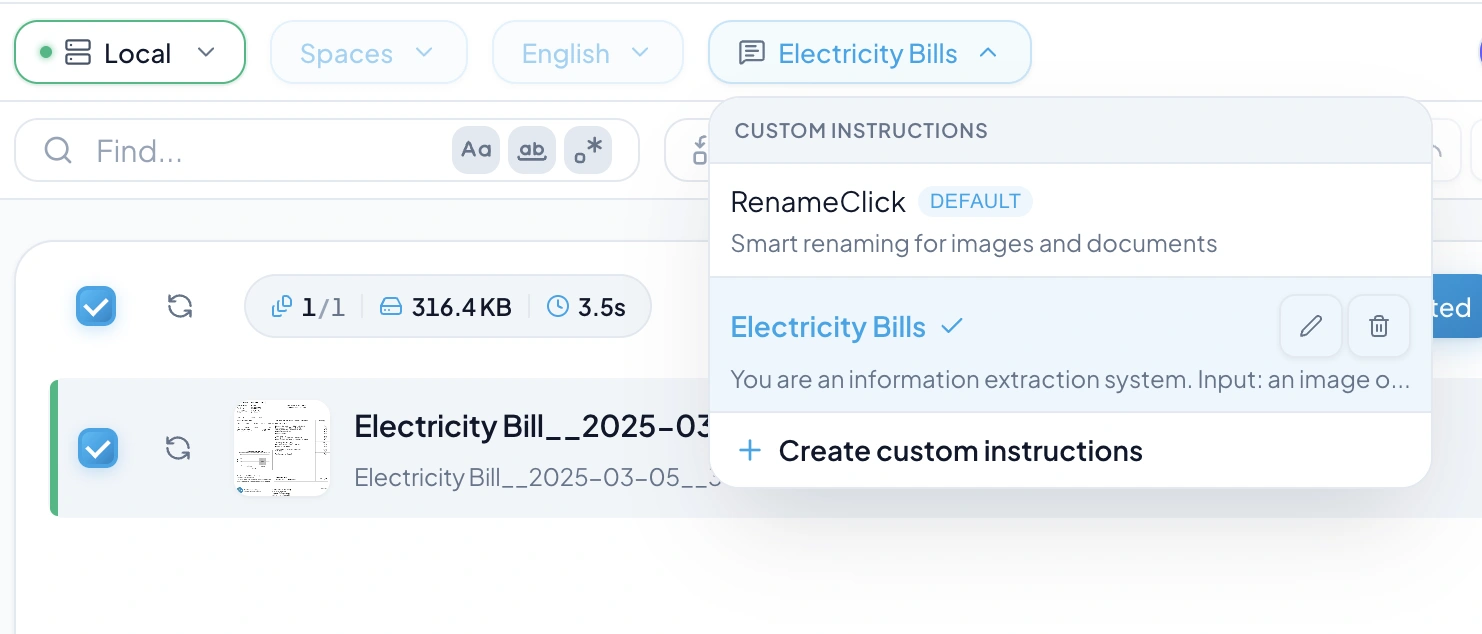
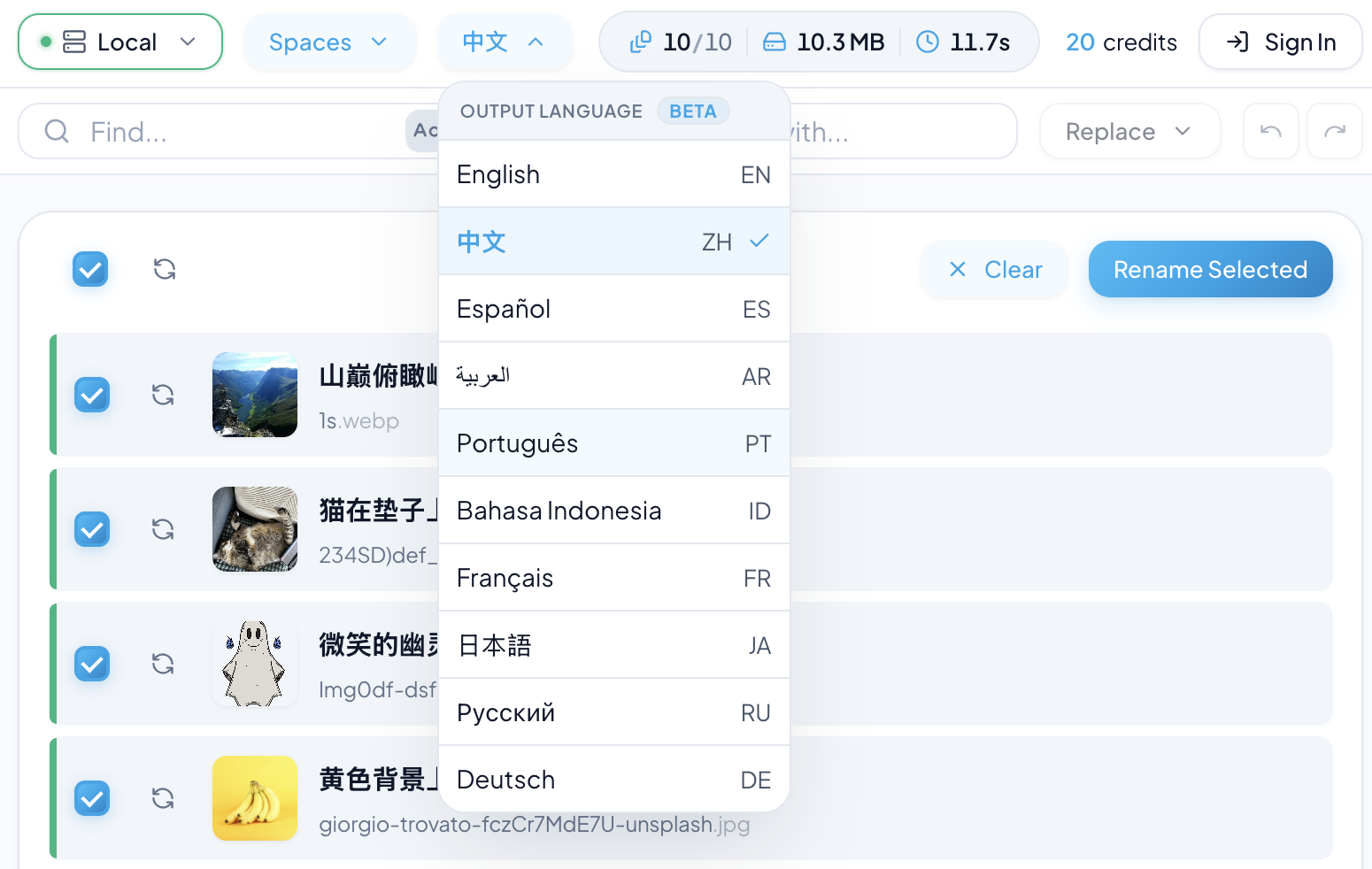
The search screen shares Rename format, Output language, Rename instructions, Sort folders and Output folder with the Rename screen. Select matches and apply with Rename Selected, Move to folder or Rename & Move; Undo and Redo revert or repeat the last actions.
Applied rows show a green check with Renamed from the old name. A file renamed in Finder or File Explorer is relinked instead of being read again, and its proposed name is searchable too.
Indexing, searching, verifying and proposed names use no apply credits. Applying follows the Rename rules: one credit per changed file. See the updated AI Search guide.
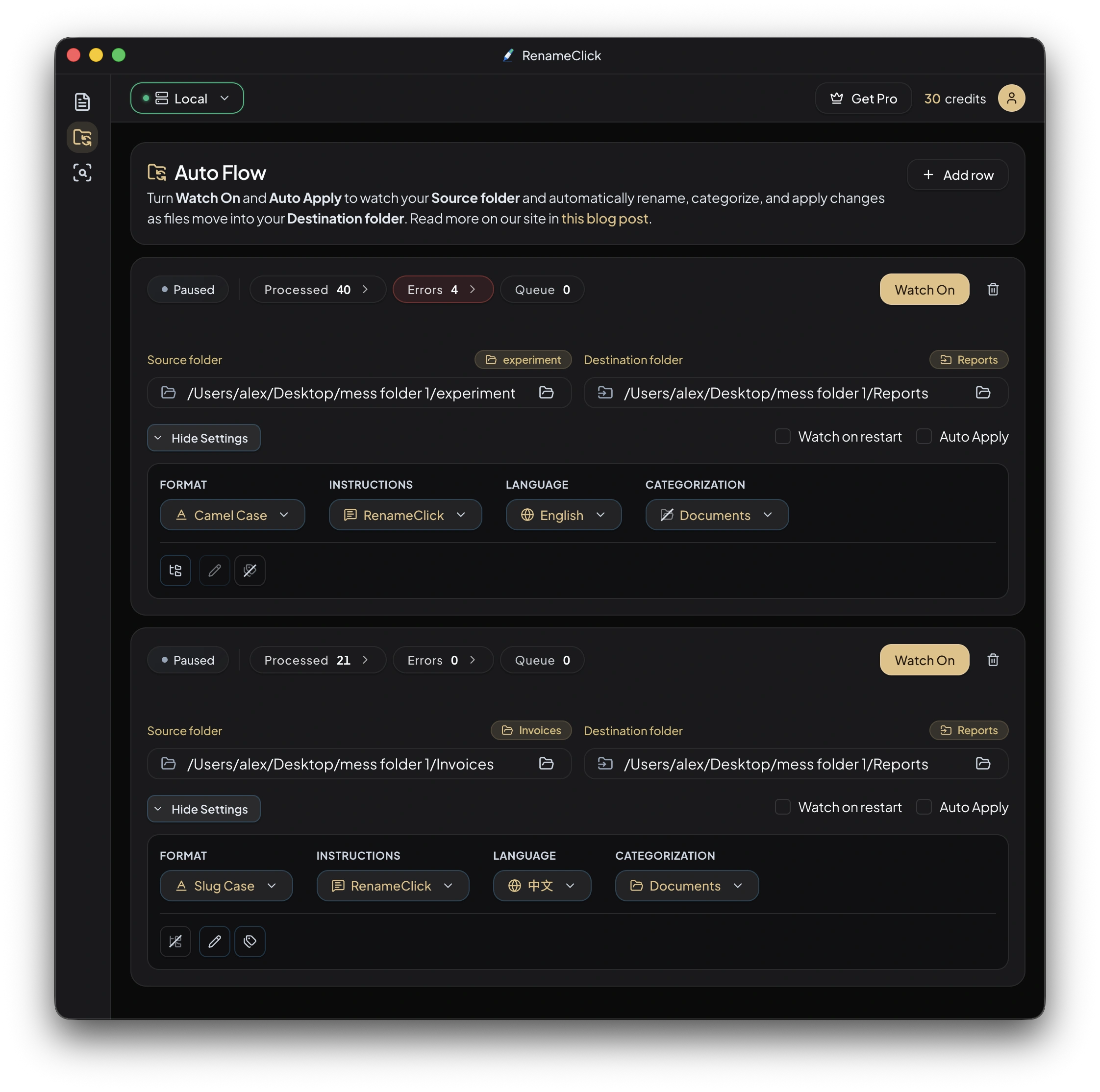
Auto Flow
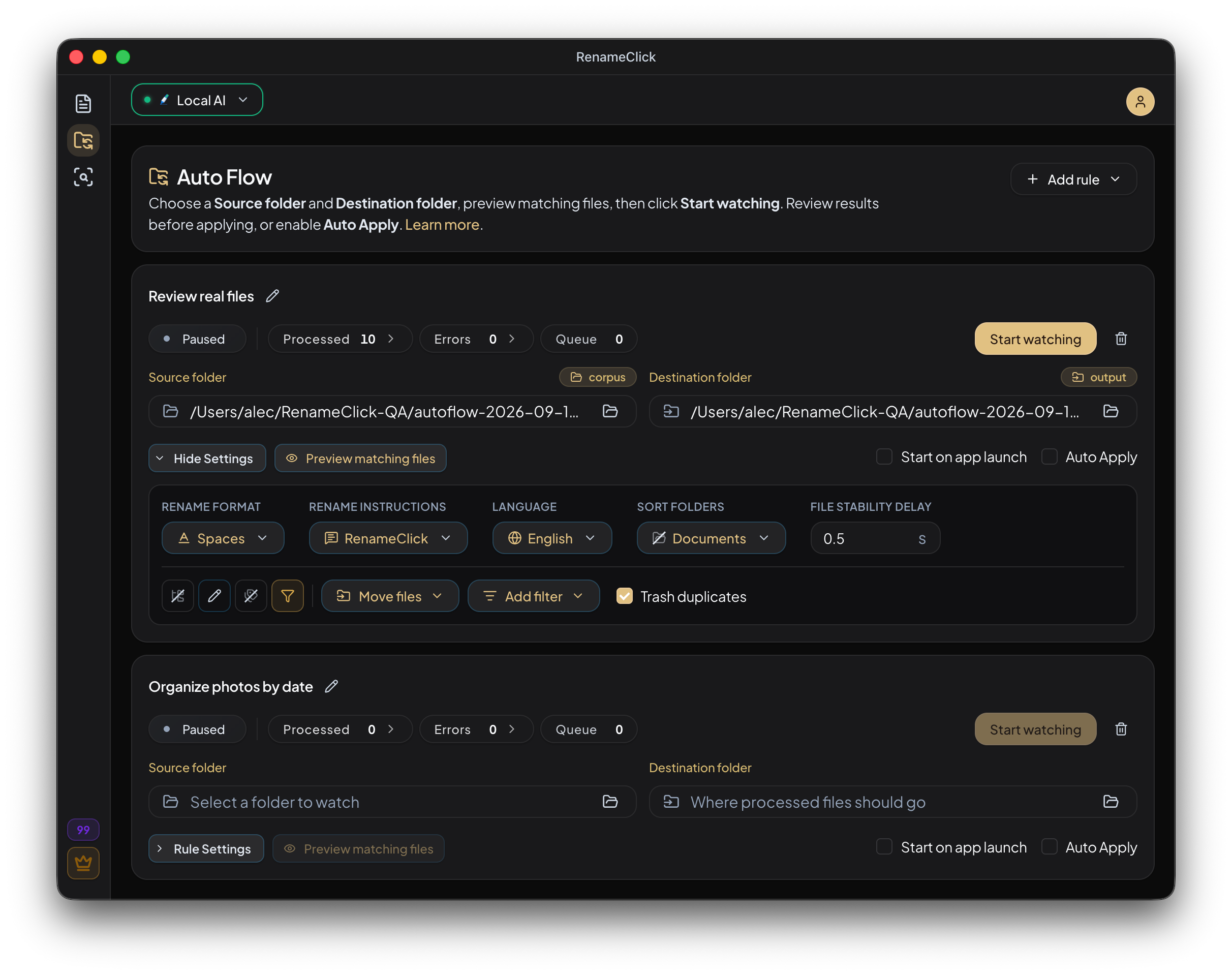
A rule can now use its source folder as the destination with Rename or Sort on. Files are renamed where they are or sorted into subfolders of that folder; Copy files still needs a separate destination.
Files the rule already renamed or moved are never processed again, even after you edit them, rename them by hand, or clear the Applied list. See Same Folder as Source.
Setup
Onboarding offers Instant Search next to Local AI and Audio Transcription, and the selected models download in parallel. The search model is about 330 MB and runs on the device.
Without the search model, the search screen offers Turn on, and Local AI keeps reading every file for each search as before.